Konvert Theme Settings Documentation
This document details all global configuration options available under Theme Settings in the Shopify customizer. These settings apply site-wide and affect every page.
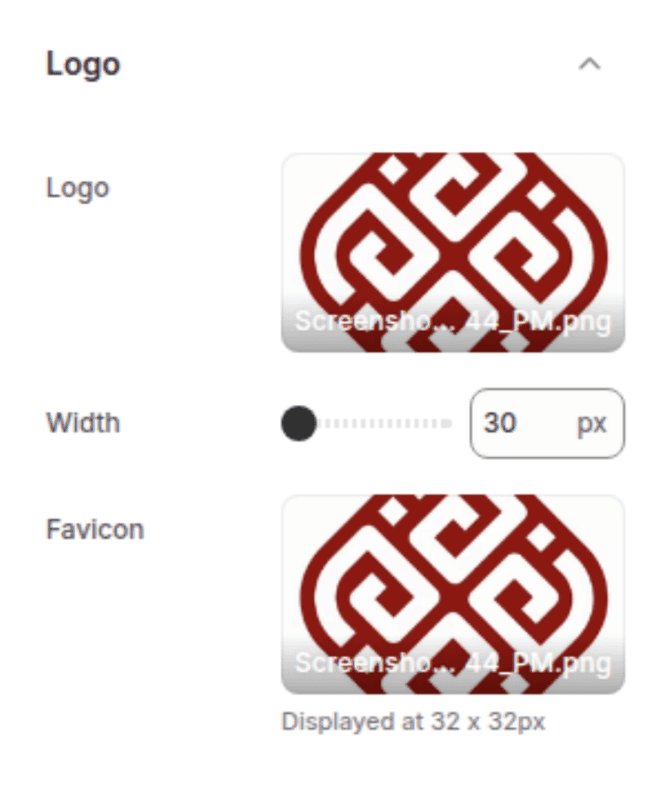
1. Logo
Upload and configure your store's logo and favicon
Settings
Type
Description
Default
Logo image
Image Picker
Your primary store logo displayed in the header.
—
Logo image
Range (30–300px, step 10)
Controls the display width of the logo across the site.
100px
Favicon
Image Picker
Small icon shown in browser tabs and bookmarks. Must be a square PNG.
—
Colors
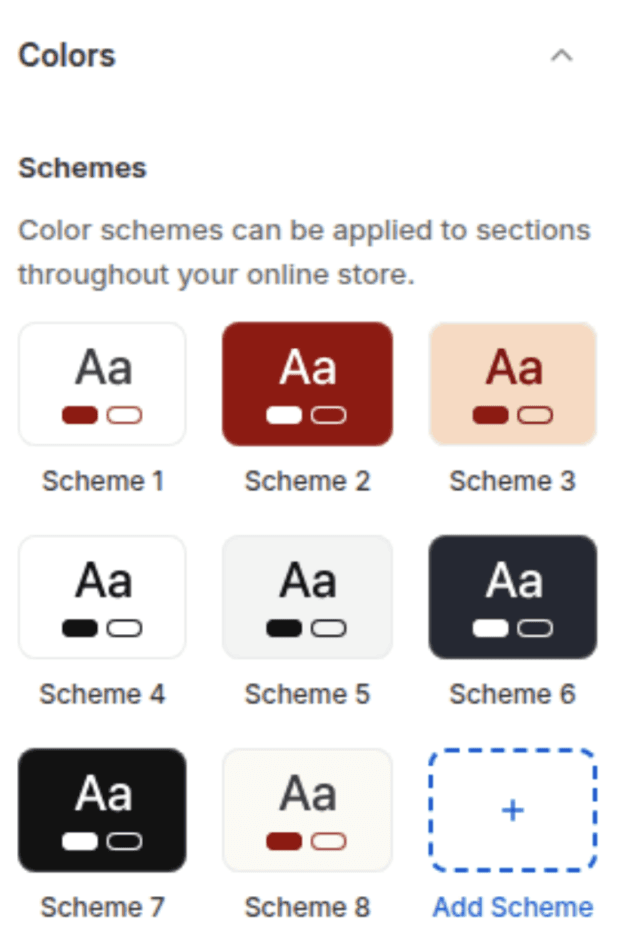
Define your store's color palette through reusable Color Schemes. Each scheme contains the following color roles:
Color Role
Description
Default
Background
Primary background color for the scheme.
#FFFFFF
Background gradient
Optional gradient overlay on the background.
—
Text
Color for headings, body text, and icons.
#121212
Button background
Fill color for primary CTA buttons.
#121212
Button Label
Text color inside primary buttons.
#FFFFFF
Secondary button label
Text and border color for outline/secondary buttons.
#121212
Shadow
Color used for box shadows on cards and elements.
#121212
Typography
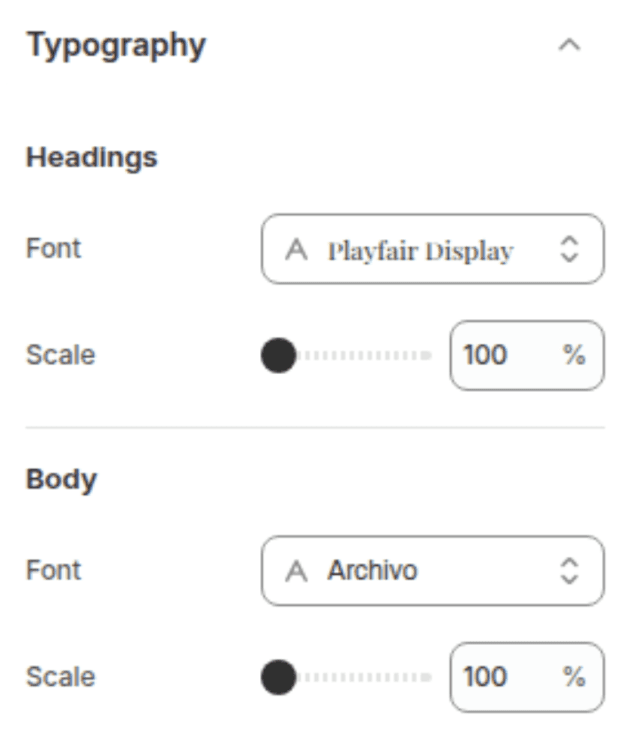
Set the fonts and size scaling for your entire store.
Headings
Settings
Type
Description
Default
Font
Font Picker
Font family used for all headings (H1–H6).
Assistant
Font size scale
Range (100–150%, step 5)
Multiplier that scales all heading sizes up or down.
100px
Body
Settings
Type
Description
Default
Font
Font Picker
Font family used for paragraphs, labels, and UI text.
Assistant
Font size scale
Range (100–130%, step 5)
Multiplier that scales all body text sizes up or down.
100px
Layout
Control the global page structure and spacing.
Settings
Type
Description
Default
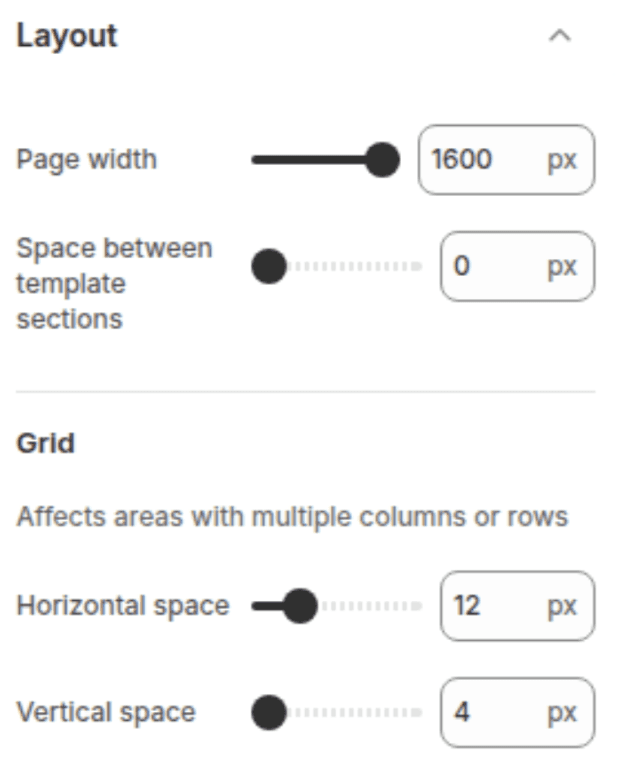
Page width
Range (1000–1600px, step 100)
Maximum width of the content area.
1600px
Space between sections
Range (0–100px, step 4)
Vertical gap between template sections.
0px
Grid
Settings
Type
Description
Default
Horizontal space
Range (4–40px, step 4)
Gap between grid columns (product grids, collection grids, etc.)
8px
Vertical space
Range (4–40px, step 4)
Gap between grid rows.
8px
Animations
Add motion and interactivity to your store.
Settings
Type
description
Default
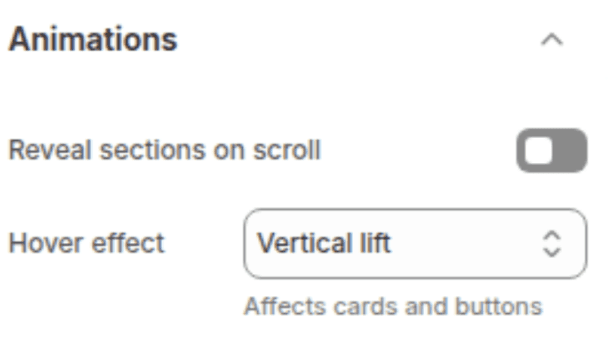
Reveal sections on scroll
Checkbox
Elements fade/slide in as the customer scrolls down the page.
Enabled
Hover effect
Select
Animation when hovering over cards and images: None, Vertical lift, or 3D lift.
None
Buttons
Style all primary and secondary buttons globally.
Border
Settings
Type
description
Default
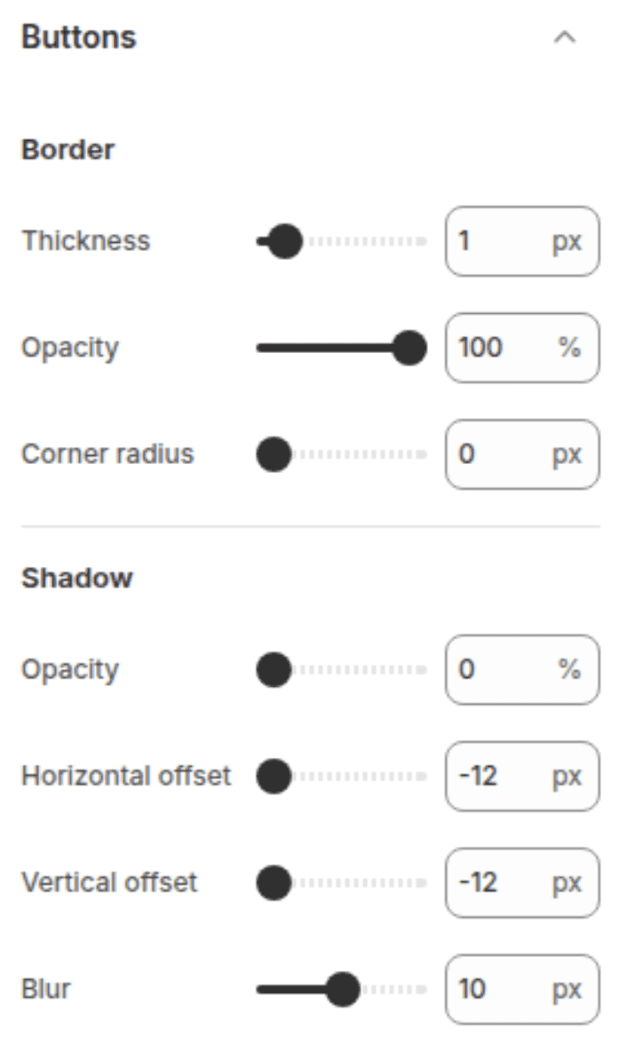
Thickness
Range (0–12px, step 1)
Border width around buttons.
1px
Opacity
Range (0–100%, step 5)
Transparency of the button border.
100%
Corner radius
Range (0–40px, step 2)
Roundness of button corners (0 = square, 40 = pill).
6px
Shadow
Settings
Type
description
Default
Opacity
Range (0–100%, step 5)
Shadow visibility (0 = no shadow).
0%
Horizontal offset
Range (-12 to 12px, step 2)
Shifts the shadow left or right.
0px
Vertical offset
Range (-12 to 12px, step 2)
Shifts the shadow up or down.
0px
Blur
Range (0–20px, step 5)
Softness of the shadow edge.
0px
Variant Pills
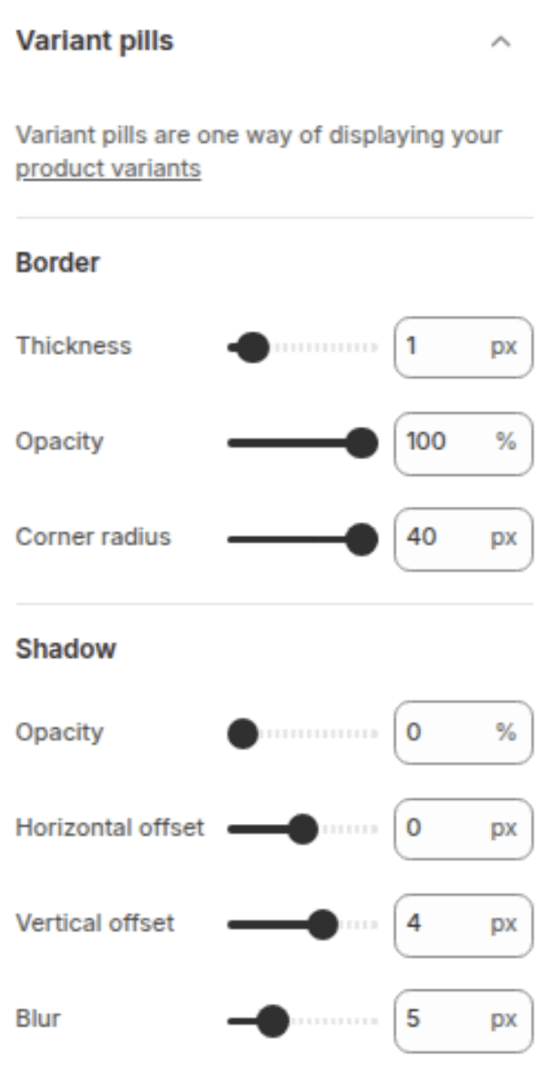
Style the variant selector buttons (e.g., Size: S, M, L) on product pages.
Border
Settings
description
Default
Thickness
Range (0–12px, step 1)
Border width around each pill.
1px
Opacity
Range (0–100%, step 5)
Border transparency.
55%
Corner radius
Range (0–40px, step 2)
Roundness of pill corners.
40px
Shadow
Settings
Type
description
Default
Opacity
Range (0–100%, step 5)
Shadow visibility.
0%
Horizontal offset
Range (-12 to 12px, step 2)
Shadow horizontal position.
0px
Vertical offset
Range (-12 to 12px, step 2)
Shadow vertical position.
0px
Blur
Range (0–20px, step 5)
Shadow blur radius.
0px
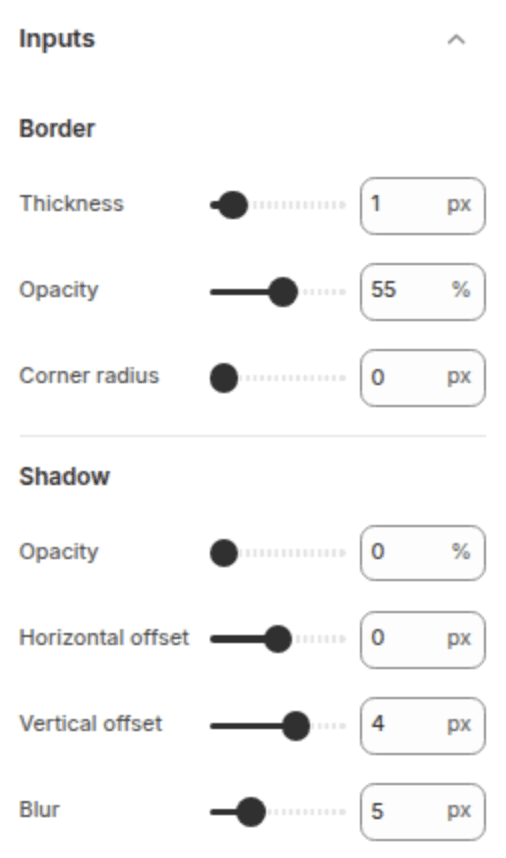
Input
Style all form fields (text inputs, email fields, dropdowns, textareas).
Border
Settings
Type
description
Default
Thickness
Range (0–12px, step 1)
Border width around input fields.
1px
Opacity
Range (0–100%, step 5)
Border transparency.
55%
Corner radius
Range (0–40px, step 2)
Roundness of input corners.
0px
Shadow
Settings
Type
description
Default
Opacity
Range (0–100%, step 5)
Shadow visibility.
0%
Horizontal offset
Range (-12 to 12px, step 2)
Shadow horizontal position.
0px
Vertical offset
Range (-12 to 12px, step 2)
Shadow vertical position.
0px
Blur
Range (0–20px, step 5)
Shadow blur radius.
0px
Product Cards
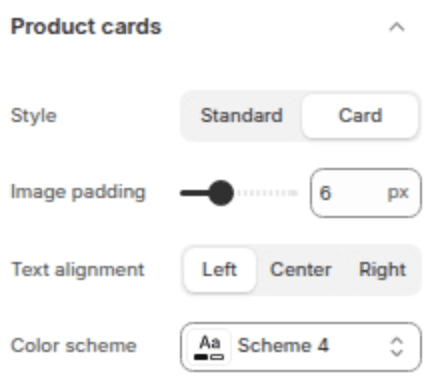
Global styling for product cards used in collection grids, featured collections, and search results.
Settings
Type
description
Default
Style
Select
Standard (no container) or Card (adds a background container).
Standard
Image padding
Range (0–20px, step 2)
Inner spacing around the product image inside the card.
0px
Text alignment
Select
Left, Center, or Right alignment for product title and price.
Left
Color scheme
Color Scheme
Background and text colors when using Card style.
Scheme 2
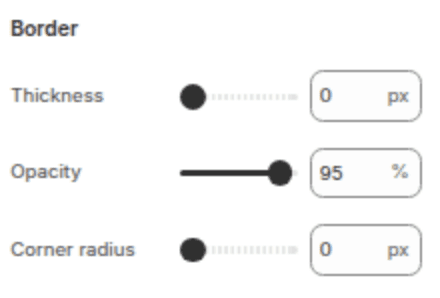
Border
Settings
Type
description
Default
Thickness
Range (0–12px, step 1)
Card border width.
0px
Opacity
Range (0–100%, step 5)
Card border transparency.
0%
Corner radius
Range (0–40px, step 2)
Roundness of card corners.
0px
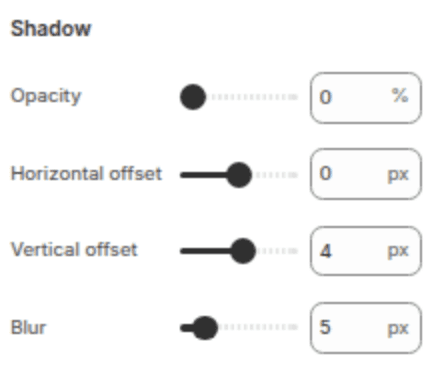
Shadow
Settings
Type
description
Default
Opacity
Range (0–100%, step 5)
Shadow visibility.
10%
Horizontal offset
Range (-40 to 40px, step 2)
Shadow horizontal position.
0px
Vertical offset
Range (-40 to 40px, step 2)
Shadow vertical position.
0px
Blur
Range (0–40px, step 5)
Shadow blur radius.
0px
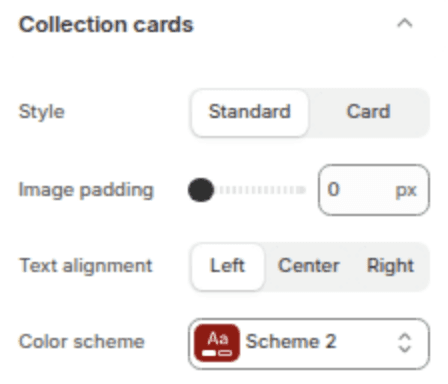
Collection Cards
Styling for collection cards on the Collections List page.
Settings
Type
description
Default
Style
Select
Standard or Card.
Standard
Image padding
Range (0–20px, step 2)
Inner spacing around the collection image.
0px
Text alignment
Select
Left, Center, or Right.
Left
Color scheme
Color Scheme
Colors when using Card style.
Scheme 2
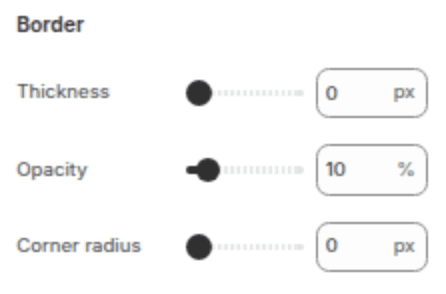
Border
Settings
Type
description
Default
Thickness
Range (0–12px, step 1)
Border width.
0px
Opacity
Range (0–100%, step 5)
Border transparency.
0%
Corner radius
Range (0–40px, step 2)
Corner roundness.
0px
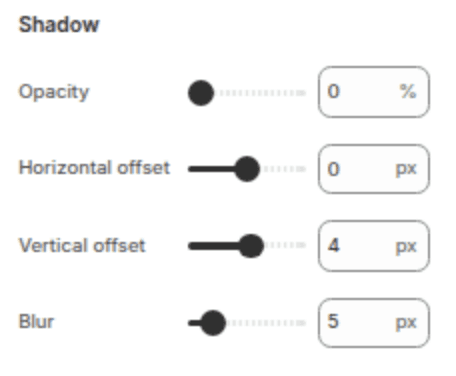
Shadow
Settings
Type
description
Default
Opacity
Range (0–100%, step 5)
Shadow visibility.
10%
Horizontal offset
Range (-40 to 40px, step 2)
Shadow horizontal position.
0px
Vertical offset
Range (-40 to 40px, step 2)
Shadow vertical position.
0px
Blur
Range (0–40px, step 5)
Shadow blur radius.
0px
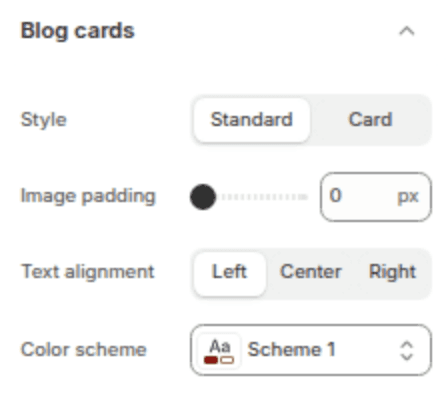
Blog Cards
Styling for blog post cards on the Blog page.
Settings
Type
description
Default
Style
Select
Standard or Card.
Standard
Image padding
Range (0–20px, step 2)
Inner spacing around the article image.
0px
Text alignment
Select
Left, Center, or Right.
Left
Color scheme
Color Scheme
Colors when using Card style.
Scheme 2
Border
Settings
Type
description
Default
Thickness
Range (0–24px, step 1)
Border width.
0px
Opacity
Range (0–100%, step 5)
Border transparency.
0%
Corner radius
Range (0–40px, step 2)
Corner roundness.
0px
Shadow
Settings
Type
description
Default
Opacity
Range (0–100%, step 5)
Shadow visibility.
10%
Horizontal offset
Range (-40 to 40px, step 2)
Shadow horizontal position.
0px
Vertical offset
Range (-40 to 40px, step 2)
Shadow vertical position.
0px
Blur
Range (0–40px, step 5)
Shadow blur radius.
0px
Content Containers
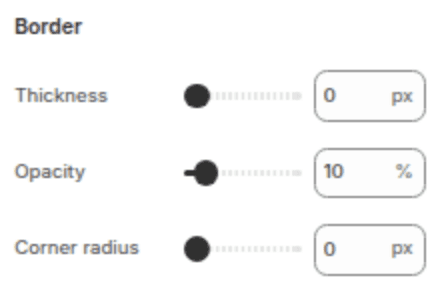
Styling for text boxes and content containers (e.g., Image with Text overlays, Banner text boxes).
Border
Settings
Type
description
Default
Thickness
Range (0–24px, step 1)
Border width.
0px
Opacity
Range (0–100%, step 5)
Border transparency.
0%
Corner radius
Range (0–40px, step 2)
Corner roundness.
0px
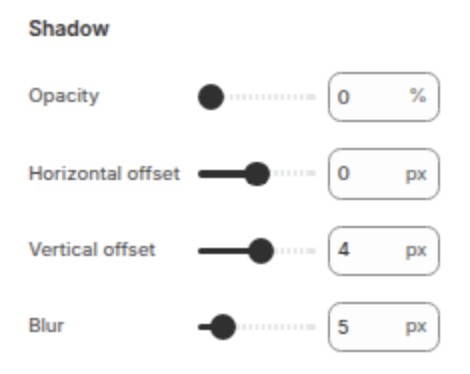
Shadow
Settings
Type
description
Default
Opacity
Range (0–100%, step 5)
Shadow visibility.
0%
Horizontal offset
Range (-40 to 40px, step 2)
Horizontal position.
0px
Vertical offset
Range (-40 to 40px, step 2)
Vertical position.
0px
Blur
Range (0–40px, step 5)
Blur radius.
0px
Media
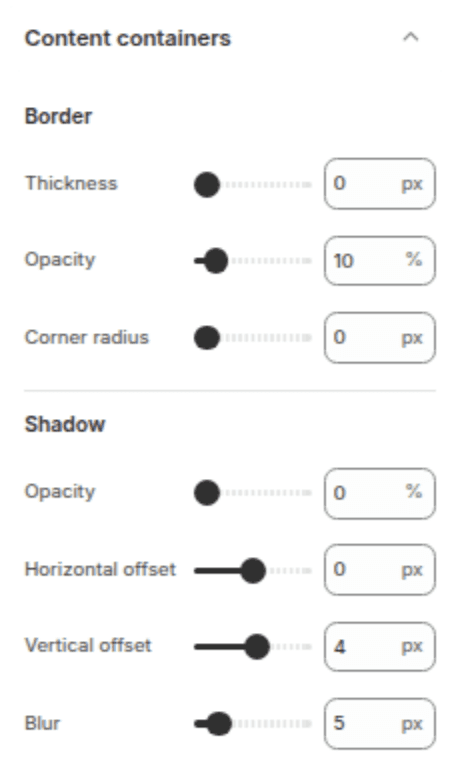
Global styling for images and videos across the store.
Border
Settings
Type
description
Default
Thickness
Range (0–24px, step 1)
Border width around media.
1px
Opacity
Range (0–100%, step 5)
Border transparency.
5%
Corner radius
Range (0–40px, step 2)
Roundness of media corners.
0px
Shadow
Settings
Type
description
Default
Opacity
Range (0–100%, step 5)
Shadow visibility.
0%
Horizontal offset
Range (-40 to 40px, step 2)
Horizontal position.
0px
Vertical offset
Range (-40 to 40px, step 2)
Vertical position.
0px
Blur
Range (0–40px, step 5)
Blur radius.
0px
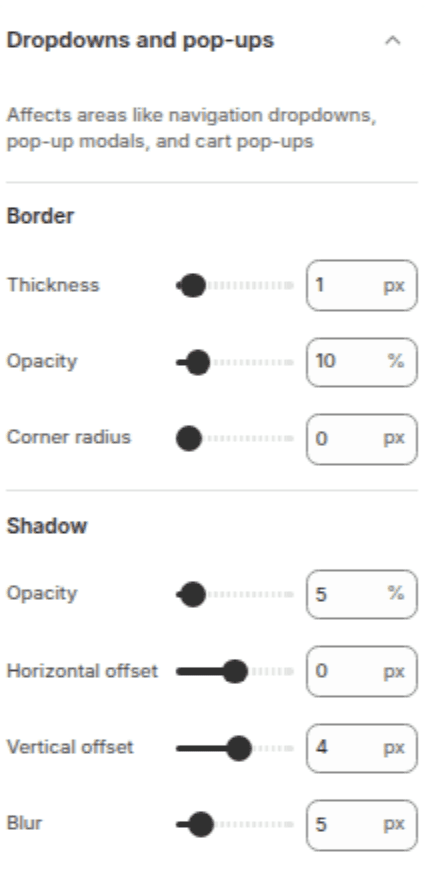
Popups
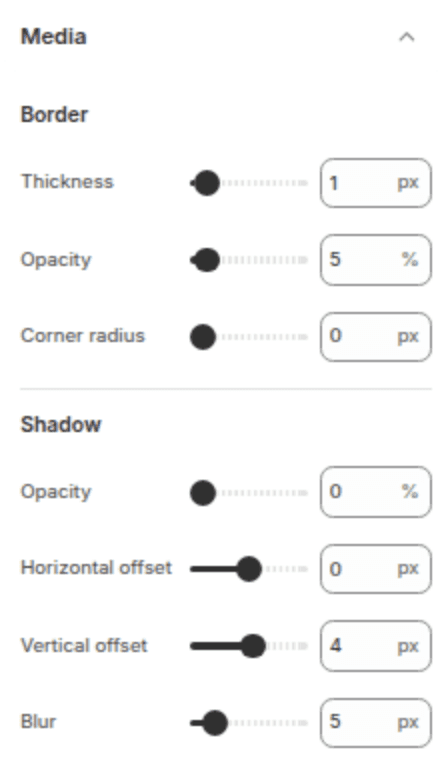
Style modal popups (e.g., Size Charts, Newsletter popups).
Border
Settings
Type
description
Default
Thickness
Range (0–24px, step 1)
Border width around media.
1px
Opacity
Range (0–100%, step 5)
Border transparency.
10%
Corner radius
Range (0–40px, step 2)
Corner roundness.
0px
Shadow
Settings
Type
description
Default
Opacity
Range (0–100%, step 5)
Shadow visibility.
0%
Horizontal offset
Range (-40 to 40px, step 2)
Horizontal position.
0px
Vertical offset
Range (-40 to 40px, step 2)
Vertical position.
0px
Blur
Range (0–40px, step 5)
Blur radius.
0px
Drawers
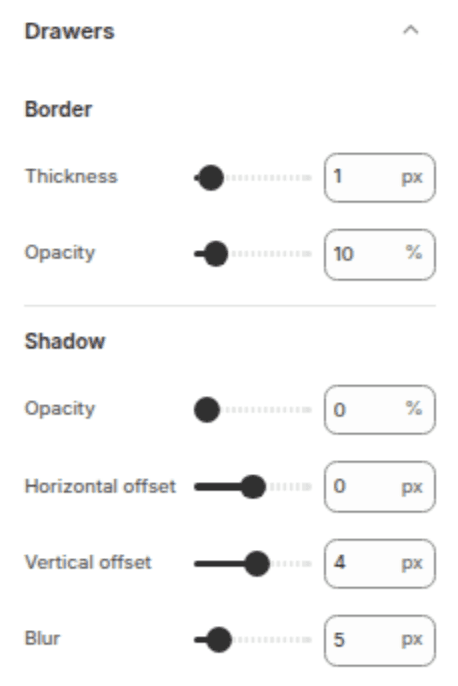
Style slide-out drawers (cart drawer, mobile menu, filter drawer).
Border
Settings
Type
description
Default
Thickness
Range (0–24px, step 1)
Border width on the drawer edge.
1px
Opacity
Range (0–100%, step 5)
Border transparency.
10%
Shadow
Settings
Type
description
Default
Opacity
Range (0–100%, step 5)
Shadow visibility.
0%
Horizontal offset
Range (-40 to 40px, step 2)
Horizontal position.
0px
Vertical offset
Range (-40 to 40px, step 2)
Vertical position.
0px
Blur
Range (0–40px, step 5)
Blur radius.
0px
Badges
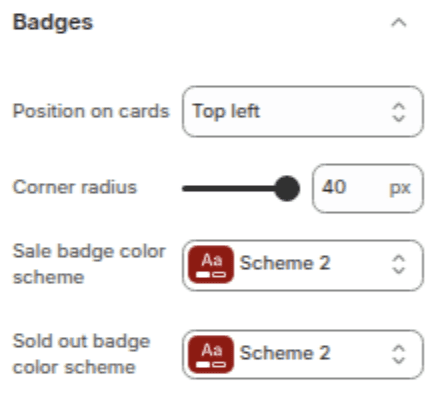
Configure "Sale" and "Sold Out" badges on product cards.
Settings
Type
Description
Default
Position
Select
Corner of the product image: Bottom Left, Bottom Right, Top Left, or Top Right.
Bottom Left
Corner radius
Range (0–40px, step 2)
Roundness of badge corners (40 = pill shape).
40px
Sale badge color scheme
Color Scheme
Colors for the "Sale" badge.
Scheme 5
Sold out badge color scheme
Color Scheme
Colors for the "Sold Out" badge.
Scheme 3
Brand information
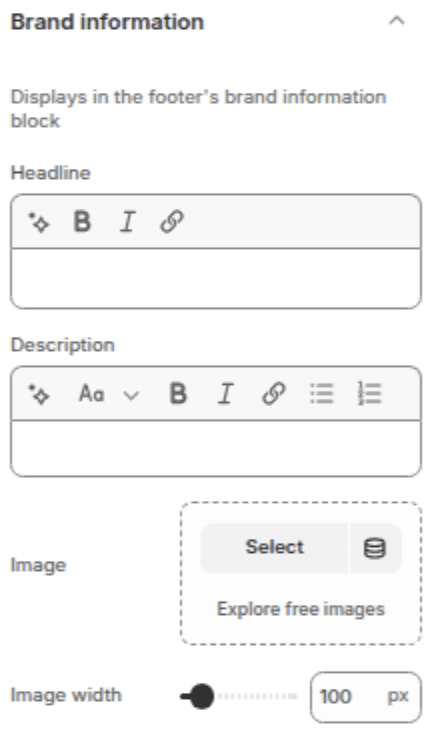
Add brand details used in the footer and structured data.
Settings
Type
Description
Default
Headline
Inline Richtext
A short brand tagline or heading.
—
Description
Richtext
A brief paragraph about your brand story.
—
Brand image
Image Picker
A secondary logo or brand mark for the footer.
—
Image width
Range (50–550px, step 5)
Display width of the brand image.
100px
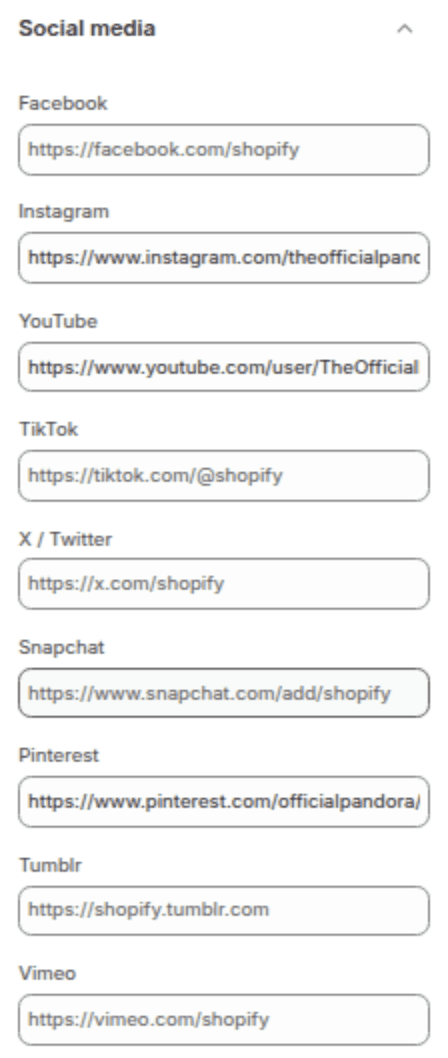
Social Media
Add links to your social media profiles. Icons will automatically appear in the footer and any social blocks.
Platform
Setting ID
social_facebook_link
social_instagram_link
Youtube
social_youtube_link
Tiktok
social_tiktok_link
Twitter/X
social_twitter_link
Snapchat
social_snapchat_link
social_pinterest_link
Tumblr
social_tumblr_link
Vimeo
social_vimeo_link
Search
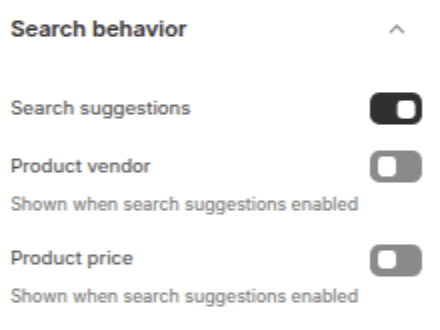
Configure the predictive (live) search behavior.
Settings
Type
Description
Default
Enable predictive search
Checkbox
Shows live search results as the customer types.
Enabled
Show vendor
Checkbox
Displays the brand/vendor name in search suggestions.
Enabled
Show price
Checkbox
Displays product prices in search suggestions.
Disabled
Currency format
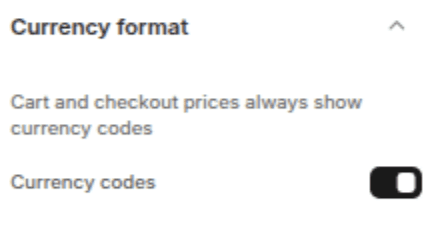
Control how prices are displayed across the store.
Settings
Type
Description
Default
Show currency codes
Checkbox
Appends the ISO currency code (e.g., "USD") next to prices.
Enabled
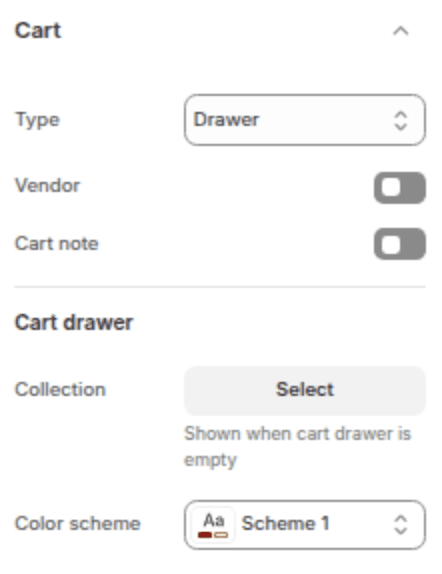
Cart
Configure the shopping cart experience.
Settings
Type
Description
Default
Cart type
Select
Drawer (slide-out panel), Page (dedicated cart page), or Notification (popup toast).
Notification
Show vendor
Checkbox
Display the product brand/vendor in the cart.
Enabled
Show cart note
Checkbox
Adds a text field for special instructions at checkout.
Disabled
Cart Drawer
Settings
Type
description
Default
Collection
Collection Picker
Recommended products to show when the cart is empty.
—
Color scheme
Color scheme
Background and text colors for the cart drawer.
Scheme 1