
Video Section Documentation
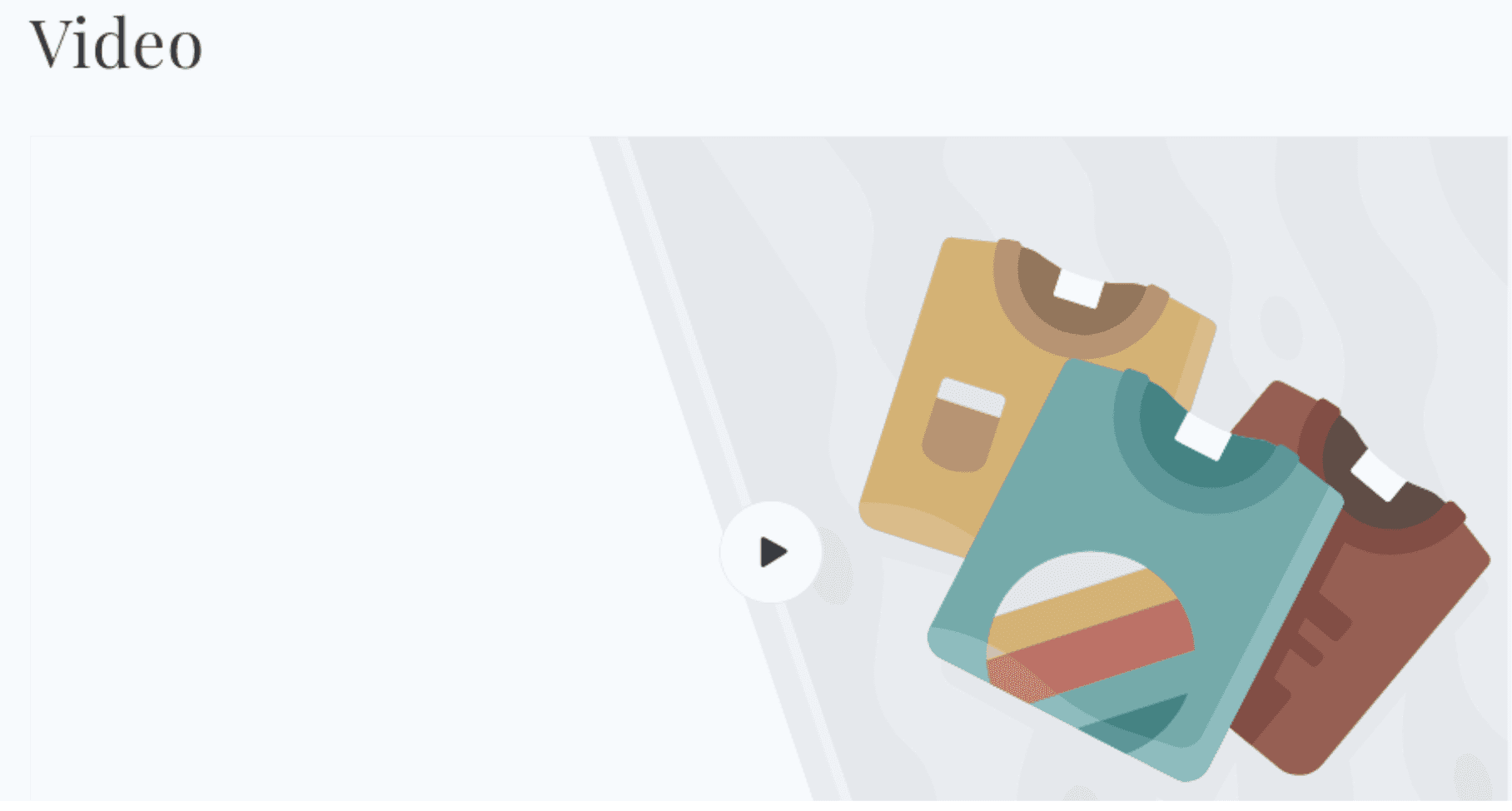
The Video section embeds a single video on any page, displayed behind a clickable thumbnail poster with a play button. The video only loads when a customer clicks play - this deferred loading approach keeps page performance fast regardless of the video's file size or streaming source. The section supports two video sources: a Shopify-hosted video uploaded directly to the store, or an external YouTube or Vimeo URL.
Features
Two Video Sources: Upload a video directly to Shopify (native video), or embed from YouTube or Vimeo via URL.
Deferred Loading: The video player does not load until a customer clicks the play button, keeping page load times fast.
Custom Cover Image: Upload a custom thumbnail image that displays before play. For Shopify-hosted videos, the video's own preview image is used automatically if no custom cover is set.
Video Looping: Optional looping for both Shopify-hosted and external videos.
Full Width Mode: Toggle between a contained page-width video and a full-width edge-to-edge display.
Section Heading: Optional heading displayed above the video player.
Autoplay on Click: When the play button is clicked, the video begins playing immediately with sound enabled (for Shopify-hosted videos) or via the platform's autoplay API (for YouTube and Vimeo).
Scroll Animation: The heading and video player animate in on scroll if animations are enabled in Theme Settings.
Settings
Heading
Settings
Description
Default
Heading
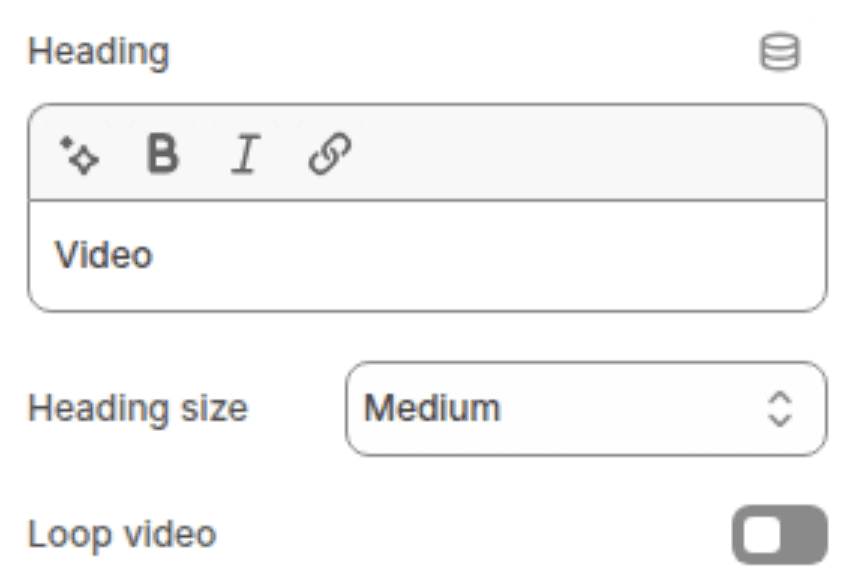
An optional section title displayed above the video player. Supports inline rich text (bold, italic, links). Leave blank to hide.
"Video"
Heading size
Controls the visual size of the section heading. Options: Small (h2), Medium (h1), Large (h0), Extra Large (hxl), Extra Extra Large (hxxl).
Medium (h1)
Enable video looping
When enabled, the video automatically restarts from the beginning when it ends. Applies to both Shopify-hosted videos and YouTube/Vimeo embeds.
Disabled
Shopify-Hosted Video
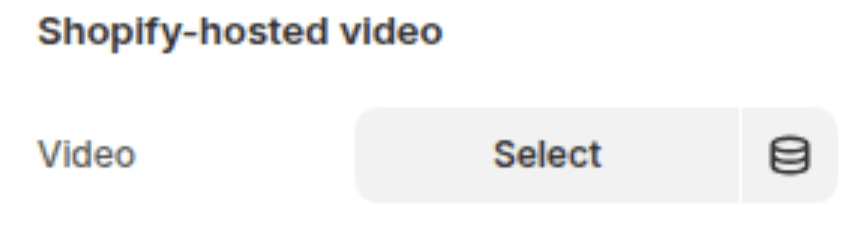
Use this option when uploading a video file directly to your Shopify store via the Files section in Admin (Settings > Files) or the theme editor's video picker.
Settings
Description
Default
Video
A video uploaded directly to Shopify. Supported formats include MP4. When a Shopify-hosted video is selected, it takes priority over any YouTube or Vimeo URL set below. When set, the video's own preview image is used as the cover thumbnail automatically — no separate cover image is needed unless you want to override it.
(empty)
YouTube / Vimeo
Use this option when embedding a video from YouTube or Vimeo. This group is only used when no Shopify-hosted video is selected above.
Settings
Description
Default
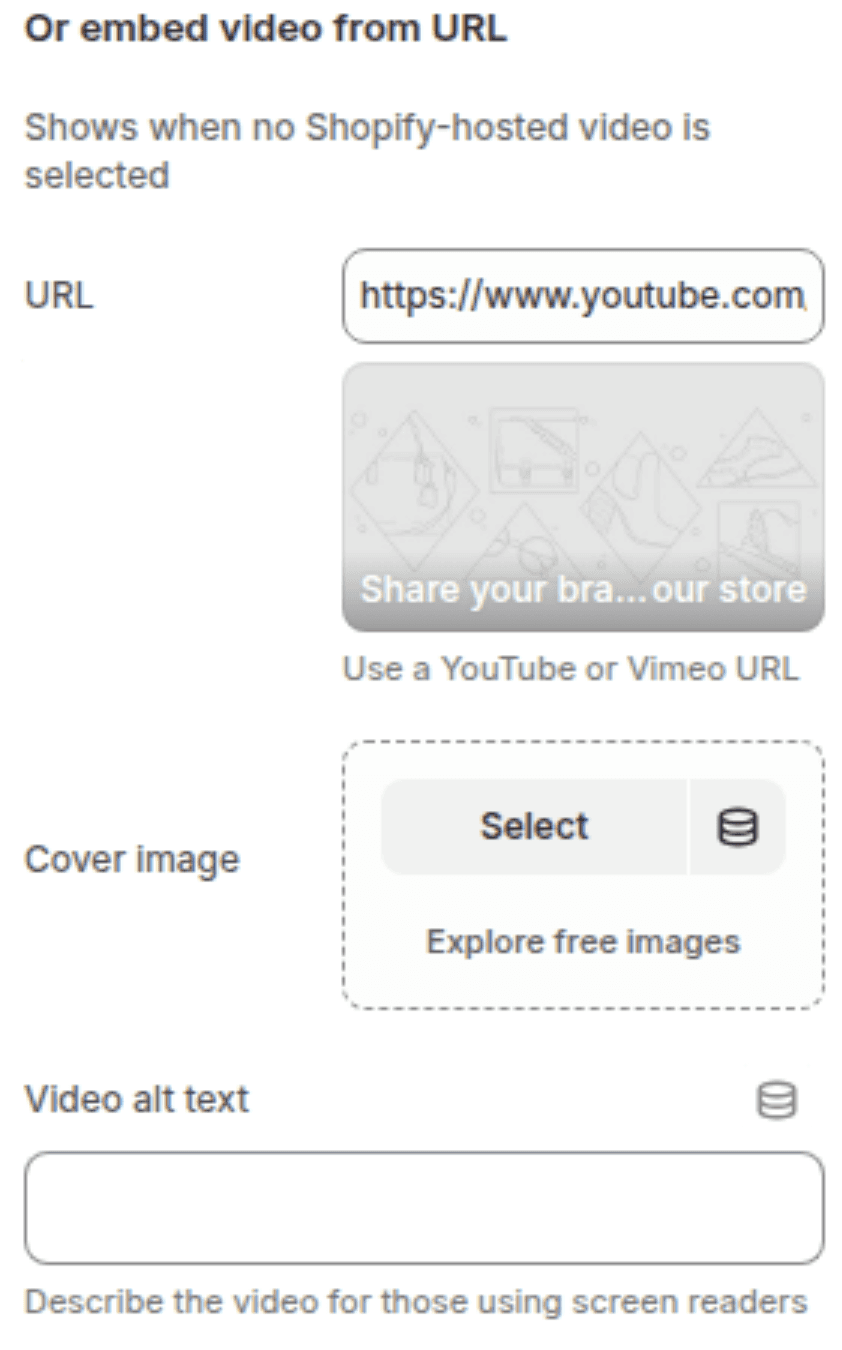
Video URL
A YouTube or Vimeo video URL. Accepts standard watch URLs from both platforms. Only used when no Shopify-hosted video is set — if both are configured, the Shopify-hosted video takes priority.
https://www.youtube.com/watch?v=_9VUPq3SxOc
Cover image
A custom thumbnail image displayed over the video before a customer clicks play. If left blank, a generic placeholder image is shown — unlike Shopify-hosted videos, YouTube and Vimeo embeds cannot automatically retrieve their own thumbnails.
(empty)
Video description
A short text description of the video used as the accessible label for the play button. This text is not displayed visually on the storefront but is read by screen readers when a customer focuses on the play button.
(empty)
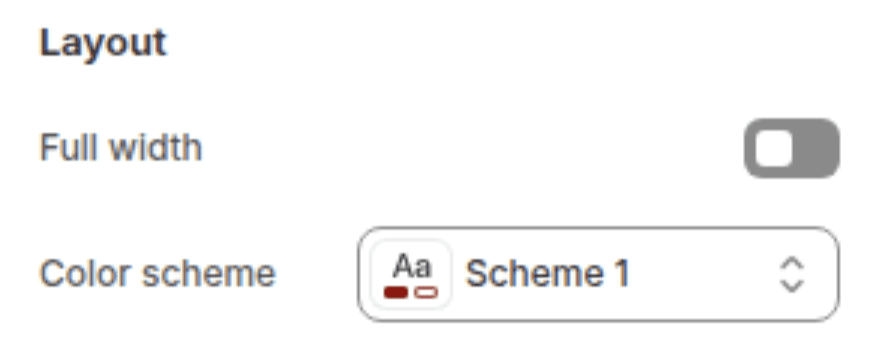
Layout
Settings
Description
Default
Full width
When enabled, the video player stretches edge-to-edge across the full browser width. The section heading remains contained within the page width above the video. When disabled, the video player is constrained to the standard page content width.
Disabled
Color scheme
Sets the background color of the section behind the video player.
Scheme 1
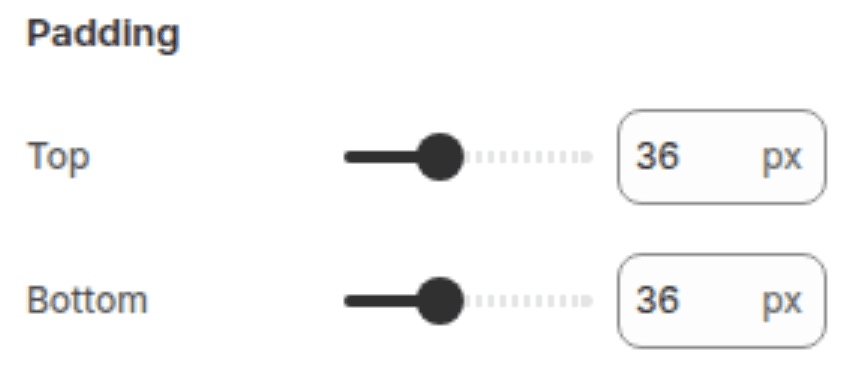
Spacing
Settings
Description
Default
Padding top
Sets the top padding of the section (0px – 100px).
36px
Padding bottom
Sets the bottom padding of the section (0px – 100px).
36px
How Video Sources Work
The section supports two video sources but only one is displayed at a time. The priority order is:
Shopify-hosted video — if a video is selected in the Shopify-hosted video picker, it is always used regardless of what is set in the Video URL field.
YouTube / Vimeo URL — only used when no Shopify-hosted video is selected.
Customization Tips
Always Upload a Cover Image for External Videos: YouTube and Vimeo embeds cannot automatically retrieve their own thumbnail images due to browser security restrictions. Without a custom cover image, the section shows a generic grey placeholder until play is clicked. Always upload a custom cover image that matches or previews the video content.
Shopify-Hosted Video Cover Image: For Shopify-hosted videos, the video's own preview image (generated automatically by Shopify when the video is uploaded) is used as the thumbnail by default. You do not need to upload a separate cover image unless you want to use a different one - for example, a branded or styled thumbnail that differs from the auto-generated frame.
Video Looping and YouTube: YouTube's looping API (
loop=1&playlist=VIDEO_ID) is appended to the embed URL automatically when Enable video looping is turned on. This is the standard method for looping YouTube iframes and should work in all modern browsers.Full Width and the Heading: When Full width is enabled, the video player spans edge-to-edge but the section heading remains inside the standard page width above it. If you want both the heading and the video to be full width, consider removing the heading from the section and adding a separate Rich Text section above with the title, then using this section solely for the full-width video.
Video Description for Accessibility: The Video description field for YouTube and Vimeo embeds is used exclusively as an accessible label for the play button and the embedded iframe title. It does not appear visually on the page. Always fill it in with a meaningful description (e.g. "Watch our brand story" or "Product demonstration video") so screen reader users understand what the video contains before clicking play.
Deferred Loading Performance: The video player does not load until the play button is clicked. This means embedding a large YouTube or Vimeo video has minimal impact on page load performance - only the cover image is loaded initially. For Shopify-hosted videos, the video file itself is not streamed until play is triggered.
Autoplay Behaviour: When a customer clicks the play button, the video begins playing immediately. For Shopify-hosted videos this includes sound. For YouTube and Vimeo, the
autoplay=1parameter is passed to the embed URL. Browser autoplay policies apply - most modern browsers allow autoplay on user-initiated interactions (such as clicking a button), so this should work reliably across devices.