
Registration Section Documentation
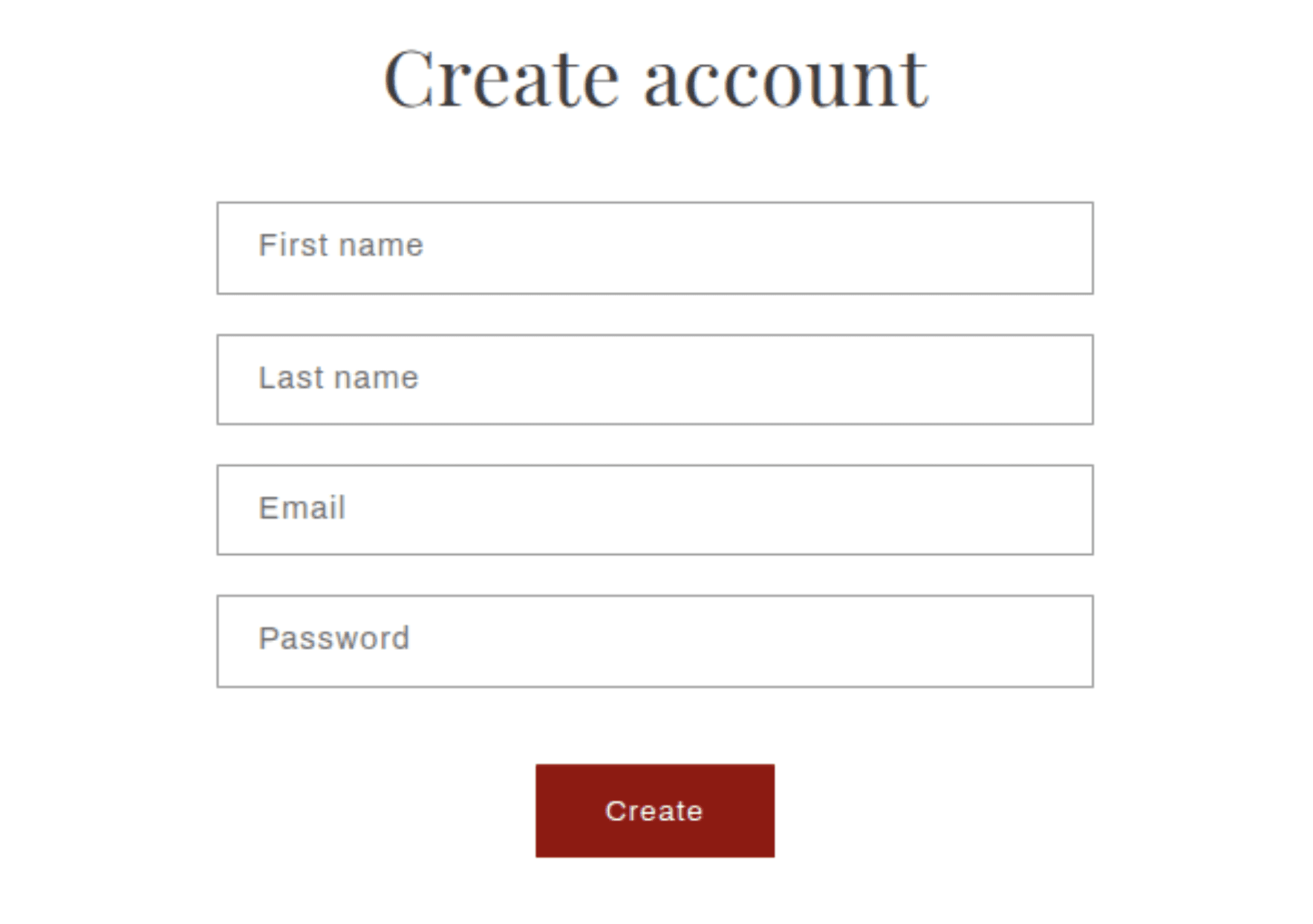
The Registration section appears on the customer account creation page (/account/register). It provides new customers with a form to create an account by entering their first name, last name, email address, and a password. Upon successful submission, the customer is logged in and redirected to their account page.
Features
Account Creation Form: Fields for first name, last name, email, and password.
Inline Error Handling: Validation errors (such as an already-registered email or a missing field) are displayed directly on the page without a full reload.
Accessibility: Each field includes a visible label and appropriate autocomplete attributes for a smooth experience on all devices.
Settings
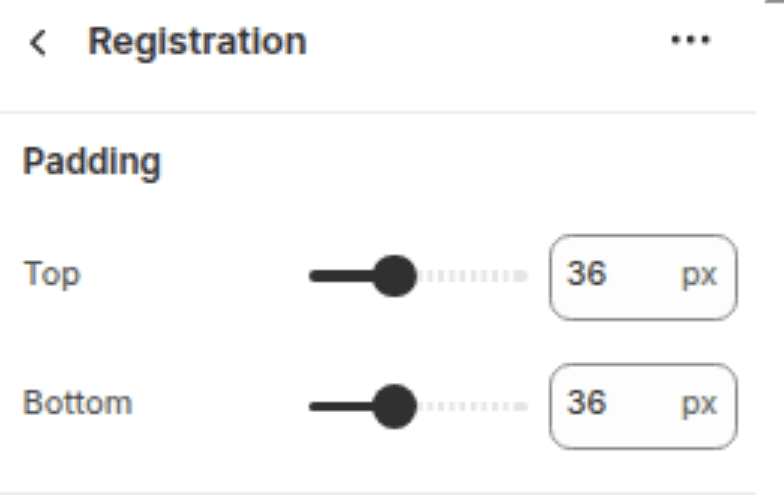
The following settings are available to customize the appearance of the Registration section.
Settings
Description
Default
Padding top
Space above the section content. Range: 0–100 px, steps of 4 px.
36 px
Padding bottom
Space below the section content. Range: 0–100 px, steps of 4 px.
36 px
Blocks
This section does not support any blocks. All configuration is done through the section settings above.
Customization Tips
Customer accounts must be enabled: This page is only accessible when customer accounts are enabled in Shopify Admin → Settings → Customer accounts. If accounts are disabled or set to "New customer accounts", the registration page will not be available.
Form fields are fixed: The first name, last name, email, and password fields are hardcoded into the section and cannot be removed or reordered without editing the theme code.
Redirecting after registration: After a successful registration, Shopify automatically redirects the customer to their account page. This behaviour is controlled by Shopify and cannot be changed from within the section settings.
Email uniqueness: If a customer tries to register with an email address already linked to an existing account, Shopify will display an inline error message prompting them to log in instead.
Linking to login: There is no built-in link back to the login page within this section. Consider adding one via the theme layout or a custom liquid section if needed.