
Collage Section
The Main Collection Product Grid section is the primary template for displaying products on collection pages. It provides a robust interface for browsing your catalog with powerful filtering, sorting, and layout controls.
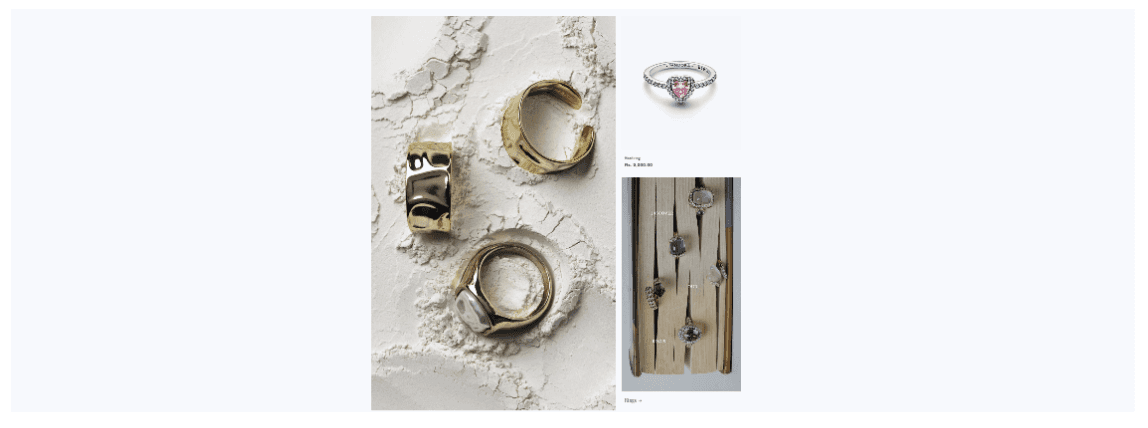
[Screenshot : Collage Section image]
Settings
Settings
Label
TYPE
Default
Description
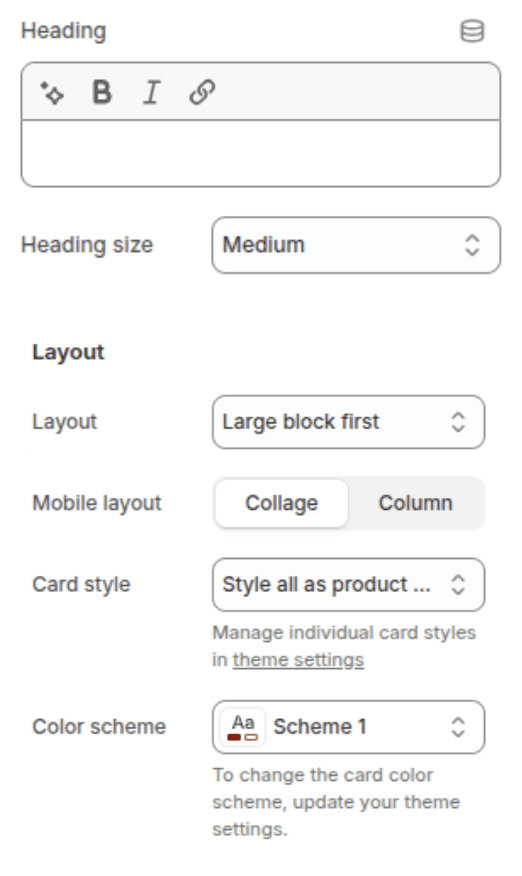
heading
Heading
Select
"Multimedia collage"
The title of the collage section.
heading_size
Heading size
Select
h1
Controls the size of the heading. Options: h2, h1, h0, hxl, hxxl.
desktop_layout
Layout
Select
Left
Large block first: The large block appears on the left.
Large block last: The large block appears on the right.
mobile_layout
Mobile layout
Select
Column
card_styles
Card styles
Select
product-card-wrapper
Use individual card styles: Uses the default style for each block type.
Style all as product cards: Applies the product card style to all blocks.
color_scheme
Color scheme
Color Scheme
Scheme-1
The color scheme for the section.
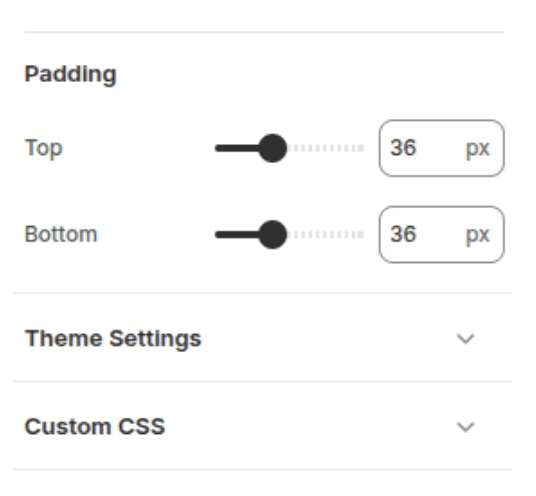
padding_top
Padding top
Range
36px
Top padding of the section (0-100px).
padding_bottom
Padding bottom
Range
36px
Bottom padding of the section (0-100px).
Blocks
The section supports up to 3 blocks.
Image (image)
Displays a simple image.
Image (
image): Select the image to display.
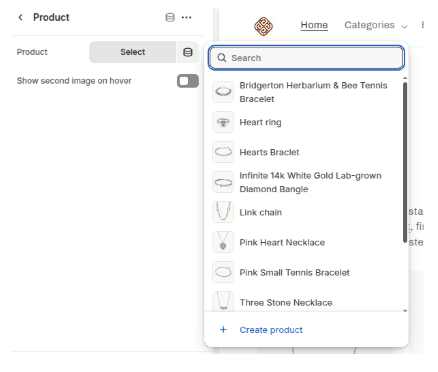
Product (product)
Displays a product card.
Product (
product): Select the product to display.Show second image on hover (
second_image): Shows the product's secondary image when hovering over the card.
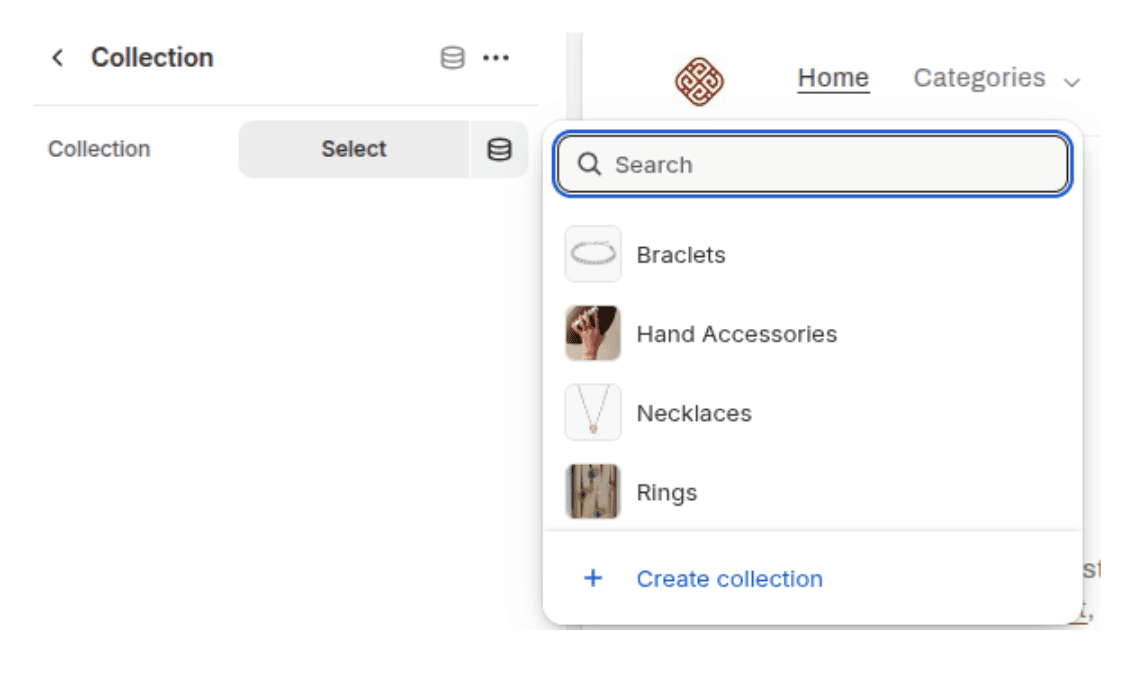
Collection (collection)
Displays a collection card.
Collection (
collection): Select the collection to link to.
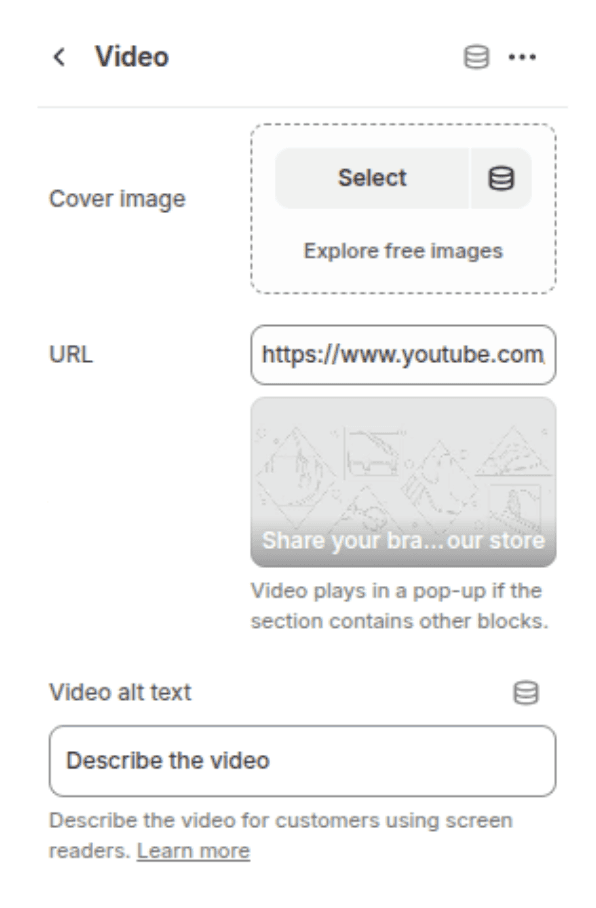
Video (video)
Displays a video block.
Cover image (
cover_image): The image shown before the video plays.URL (
video_url): YouTube or Vimeo URL. Note: Video plays in a pop-up if the section contains other blocks.Video alt text (
description): Description of the video for accessibility (screen readers).
Usage
Add this section to your page to create a mixed-content layout. The layout adjusts based on the number of blocks and the desktop_layout setting.